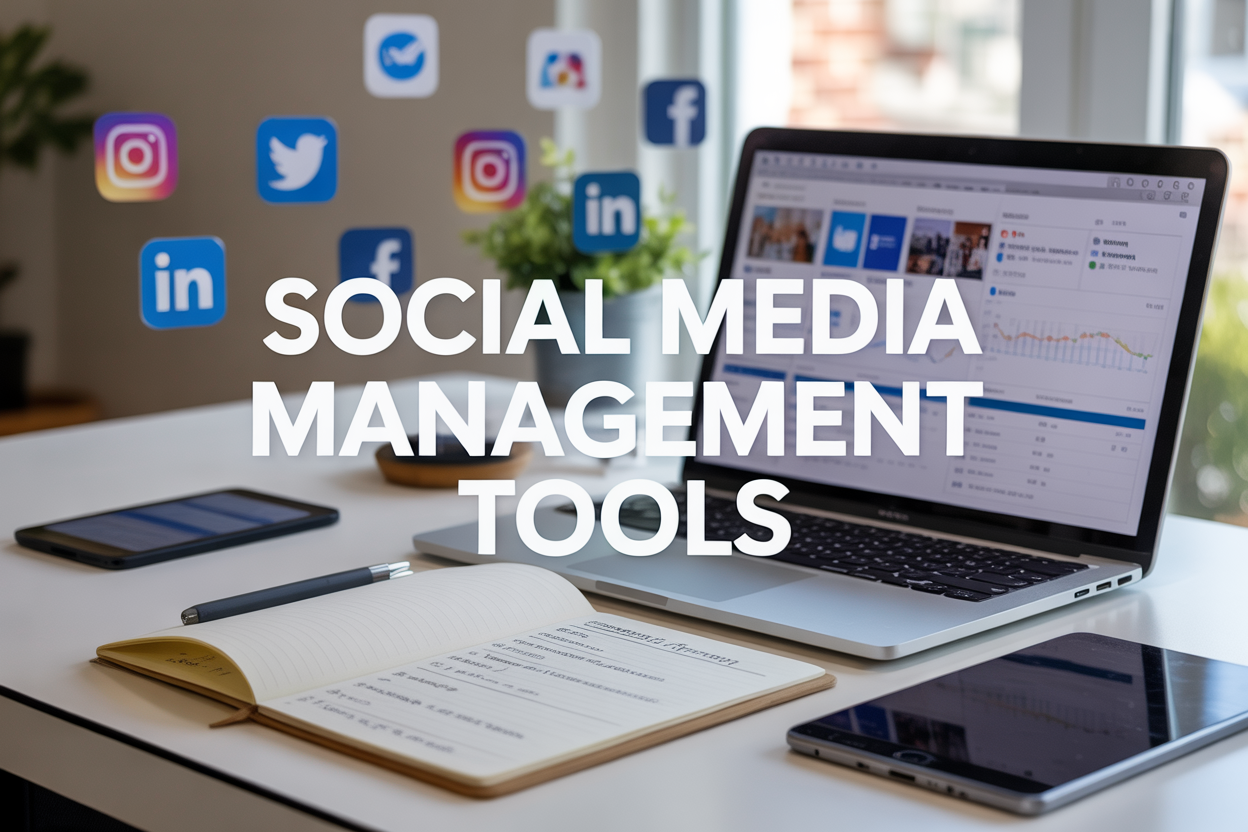
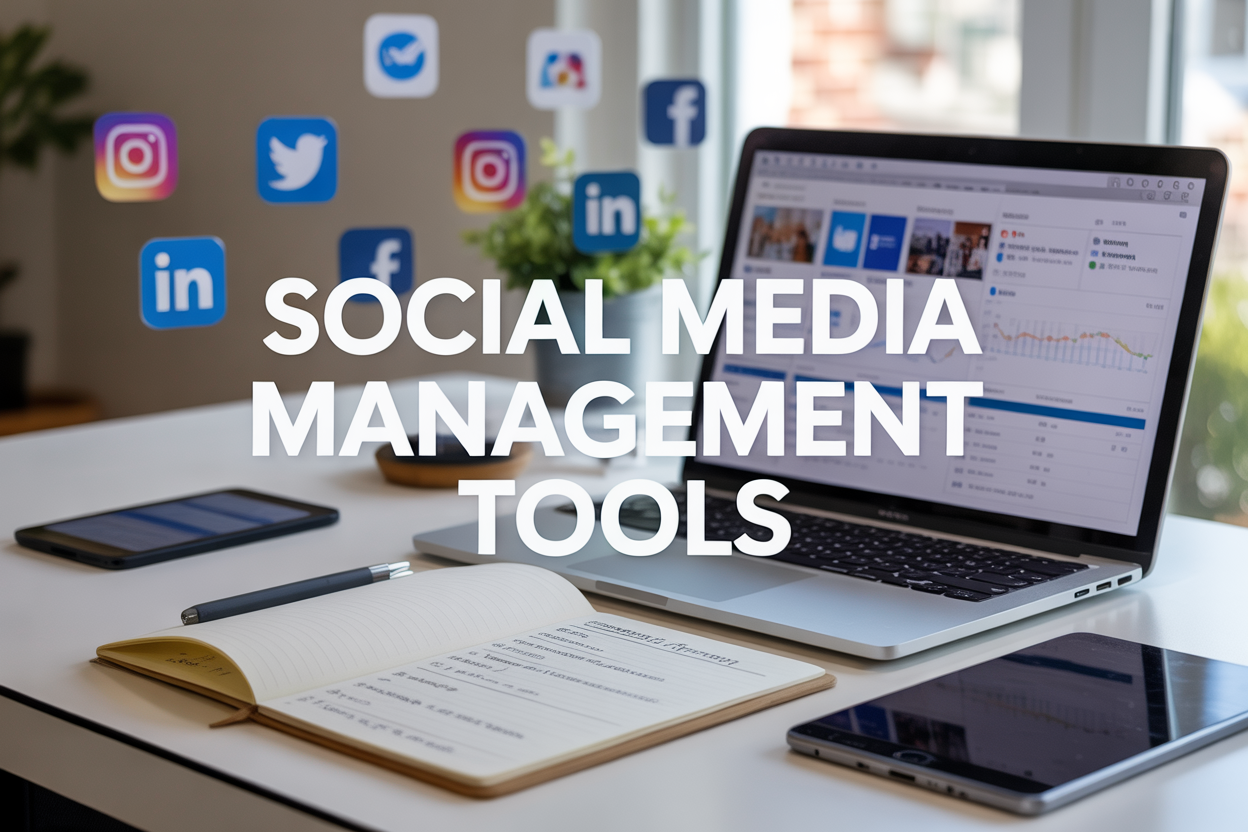
Juggling several social media accounts at once gets messy fast without the right management tools in place. This guide is aimed at small business owners, marketing professionals, and social media managers looking to simplify their online presence and drive stronger engagement across platforms.
For anyone serious about growing a brand online, scheduling software and analytics tools have moved from nice-to-have to essential. Rather than bouncing between separate apps and losing the thread of your content strategy, one solid platform can cover everything from creating posts to tracking how they perform.
First, we’ll look at the leading all-in-one platforms that bring scheduling, analytics, and team collaboration together in one place. Next, we’ll cover specialized content creation tools built for designing eye-catching visuals and videos. Finally, we’ll get into the advanced analytics and monitoring solutions that reveal what your audience — and your competitors — are actually doing.
Top All-in-One Social Media Management Platforms
Leading Platforms for Complete Social Media Management
Hootsuite is the most full-featured option out there, with scheduling across 35+ networks, detailed analytics dashboards, and team collaboration tools built in. Buffer keeps things simple with visual calendars and clear performance insights. Sprout Social stands out for customer engagement and reporting depth. Later is built around visual content scheduling with an easy drag-and-drop layout. SocialPilot brings enterprise-grade features at a friendlier price point, which makes it a good fit for agencies juggling multiple client accounts.
| Platform | Best For | Key Features | Pricing Range |
|---|---|---|---|
| Hootsuite | Large teams & enterprises | 35+ platform support, advanced analytics | $49-$739/month |
| Buffer | Small businesses | Simple scheduling, visual planning | $6-$120/month |
| Sprout Social | Customer engagement | Unified inbox, CRM integration | $249-$499/month |
| Later | Visual content creators | Instagram focus, auto-posting | Free-$80/month |
| SocialPilot | Agencies & freelancers | White-label reports, bulk scheduling | $25-$170/month |
Key Features to Look For
Multi-platform integration is still the backbone of managing Facebook, Instagram, Twitter, LinkedIn, and TikTok from one dashboard. Content libraries keep visual assets organized and brands looking consistent. Team collaboration features add approval workflows and role-based permissions, and auto-posting saves time on the manual side. Meanwhile, social media analytics tools turn raw audience behavior and content performance data into insights you can actually act on.
Choosing the Right All-in-One Solution
Your choice of scheduling software should come down to team size, budget, and which networks matter most to you. Smaller businesses tend to do well with a straightforward interface like Buffer, while larger operations usually need the deeper feature sets found in Hootsuite or Sprout Social. It’s worth running a free trial first to check dashboard usability, reporting depth, and how well a tool integrates with your existing marketing stack before signing up for an annual plan.
Specialized Tools for Content Creation and Design
Visual Content Creation Tools
Strong visuals are what drive engagement on every social platform. Content creation tools for social media such as Canva and Adobe Creative Suite come with templates, graphics, and design elements already optimized for each platform’s specs. Social media design tools like Figma and PicMonkey offer drag-and-drop interfaces that put professional-looking graphics within reach even if you’re not a designer. Preset dimensions for Instagram stories, Facebook posts, and Twitter headers mean your content displays correctly without guesswork. Features like brand kits, color palette management, and collaborative editing round things out, keeping visuals consistent across a whole campaign.
Video and Animation Solutions
Video consistently pulls in far more engagement than static posts. Tools such as Loom, Animoto, and InVideo make video creation simpler through pre-built templates and automated editing. Stock footage libraries, music tracks, and text overlay options on these platforms turn raw clips into finished, polished content. For something more animated, Vyond and Powtoon are built for explainer videos and animated posts that stand out in a crowded feed.
Content Planning and Creative Workflow
Social media management tools that bake in creative features let teams map out visual campaigns months in advance. Later and Planoly, for instance, offer visual content calendars where you can drag and drop images to preview your Instagram grid before anything goes live. Pairing design capabilities with scheduling functions in one workflow means teams can create, approve, and publish content from a single dashboard, all while sticking to brand guidelines and a consistent posting rhythm.
Advanced Analytics and Monitoring Solutions
Real-Time Performance Tracking
Social media analytics tools dig deep into audience engagement, reach, and conversion metrics across every platform you use. Sprout Social, Brandwatch, and Mention are examples of thorough social media monitoring solutions that keep tabs on brand mentions, sentiment, and how competitors are performing. These social media dashboard tools pull data from Facebook, Instagram, Twitter, LinkedIn, and TikTok into one unified reporting view. On top of the basics, you get demographic breakdowns, optimal posting times, hashtag performance, and ROI calculations. That lets marketing teams spot trending topics, keep an eye on brewing crises, and gauge campaign effectiveness through customizable reports and automated alerts that speed up decision-making.
Competitor Intelligence Platforms
More sophisticated monitoring platforms pull back the curtain on competitor strategy, content performance, and overall market positioning across social channels. BuzzSumo, the SEMrush Social Media Toolkit, and Socialbakers all offer benchmarking features that break down posting frequency, engagement rates, and audience growth over time. That kind of insight helps brands spot content gaps, catch viral opportunities early, and adjust strategy based on both industry trends and where competitors are falling short.
Sentiment Analysis and Brand Monitoring
Sentiment analysis tools sift through millions of social conversations to gauge how the public actually feels about a brand, product, or campaign. Hootsuite Insights, Talkwalker, and Brand24 all lean on AI to sort mentions into positive, negative, or neutral, while also surfacing key influencers and potential brand advocates along the way. Real-time alerts mean teams can respond quickly to complaints, viral moments, or reputation risks as they surface.